Using Visual Cues to Guide Gameplay and Discovery
18 July 2026
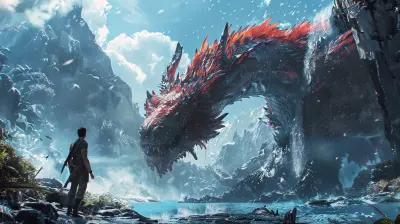
Ever played a game where you instantly knew where to go or what to do without any text on the screen? Like, you just felt it? That wasn’t magic—it was smart visual design doing its job. Whether you're tackling a boss fight or poking around a hidden cave, visual cues guide you through the game world as if it’s gently holding your hand (without being too obvious about it).
In today’s blog post, we’re diving into a seriously cool topic: using visual cues to guide gameplay and discovery. These aren’t just fancy graphics or design fluff—they’re crucial elements that shape how we interact with games. So, let's shed some light (sometimes literally!) on why visual cues are the unsung heroes in game development.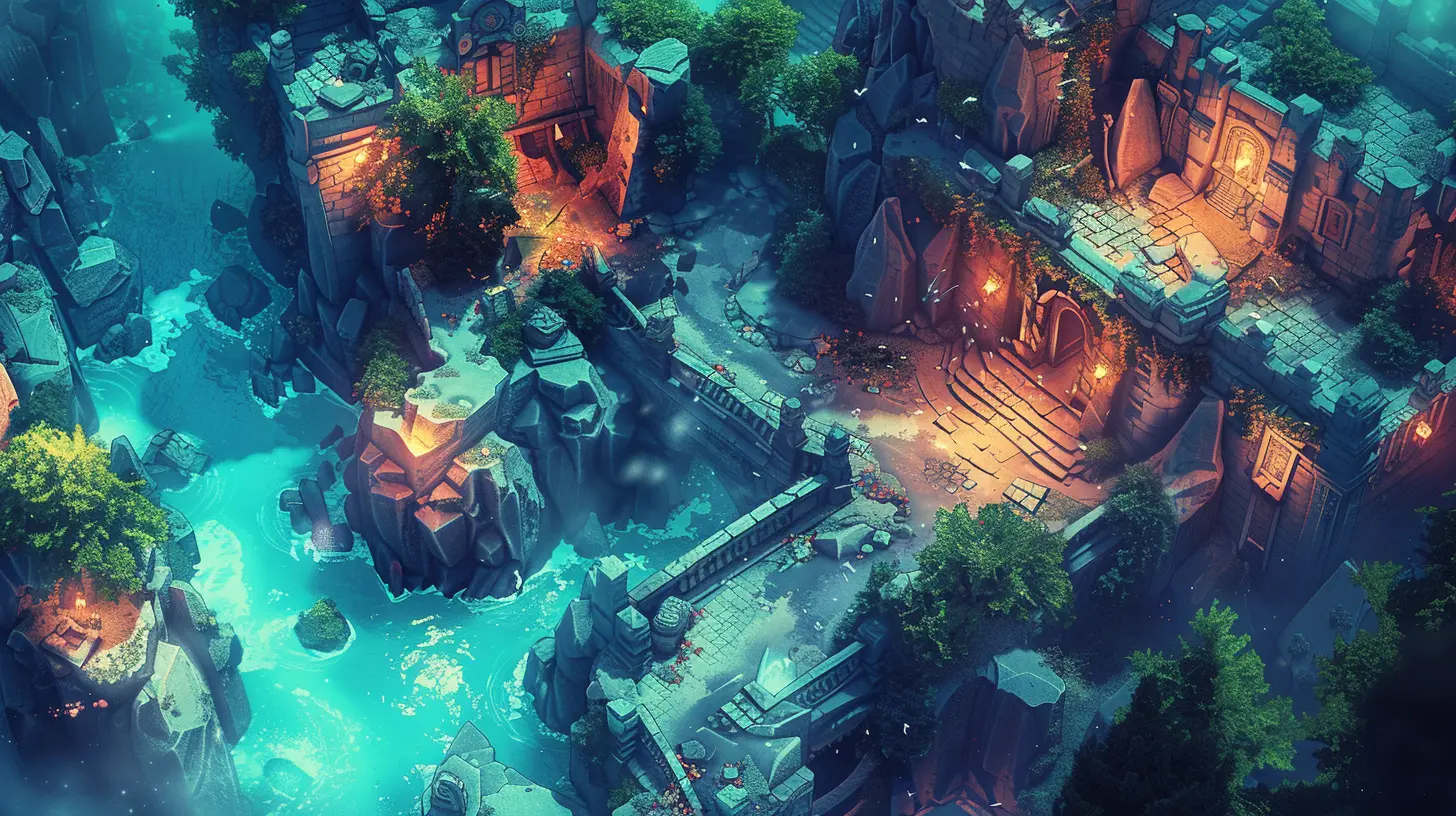
What Are Visual Cues in Games?
Let’s start with the basics. A visual cue is anything you can see in a game that subtly (or not-so-subtly) tells you something. Think glowing doors, flickering lights, oddly placed rocks, or trails of footprints.They can:
- Point you in the right direction
- Highlight key interactable objects
- Warn you of danger
- Suggest hidden paths
- Reinforce game mechanics
These cues are everywhere once you start paying attention. And the best part? When done right, they don’t break immersion—they enhance it.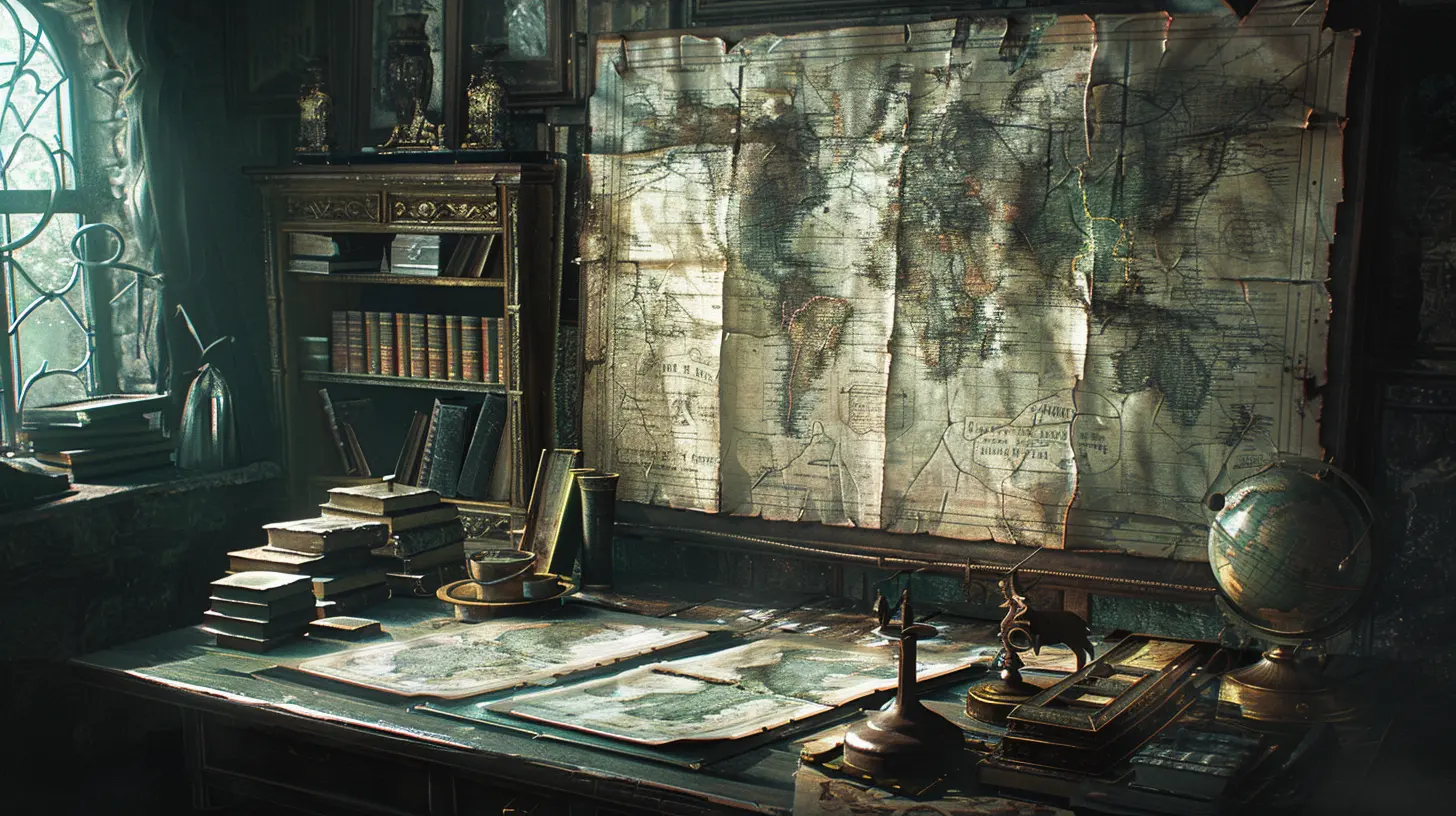
Why Are Visual Cues So Important?
Picture this: You’re lost in a sprawling open-world game with no markers on your map. Still, you see a streak of smoke rising in the distance. You follow it, and boom—you discover a new area. That’s the power of intelligent visual design.Visual cues are especially vital because:
- They keep the flow going. No one wants to pause every few minutes to check a walkthrough or make wild guesses.
- They spark curiosity. Subtle cues can make us wonder, “What’s over there?” or “Why is that area so brightly lit?”
- They reduce cognitive load. Players don't have to memorize everything. The game subtly reminds them what’s important.
- They feel natural. Unlike pop-ups or blinking arrows, visual cues feel like a part of the world, not an instruction manual.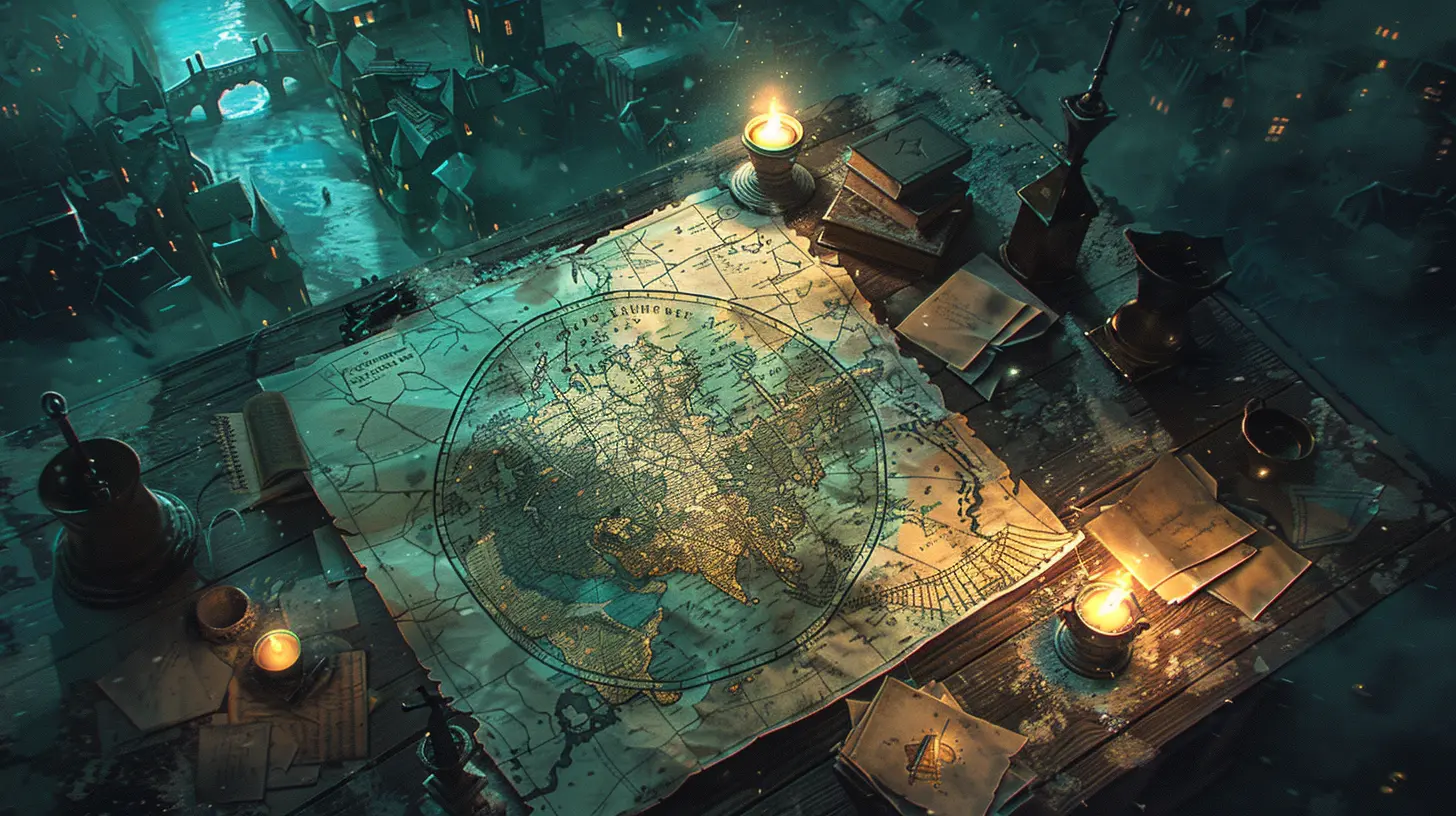
Different Types of Visual Cues
Let’s break it down. Not all visual cues are created equal. Some scream, “LOOK HERE!” while others whisper, “Psst… there’s a secret this way.”1. Lighting & Shadows
We’re naturally drawn to light. Games use this instinct constantly. A brightly lit doorway? Probably the route forward. A shadowy cave? Maybe a hidden treasure lies inside.? Example: In The Last of Us, light often indicates the path forward. Dark, less lit areas might hide resources or secret collectibles.
2. Color Contrast
Bright colors against dull backgrounds catch your eye. That neon green vine on the otherwise brown wall? Yup, probably climbable.? Example: Mirror’s Edge uses red to mark objects that the player can parkour across. You don’t need a tutorial—the color does the talking.
3. Animation & Movement
Is that bush rustling? Is something glimmering off in the distance? Movement grabs attention instantly.? Example: In The Legend of Zelda: Breath of the Wild, shiny or sparkling objects usually mean they can be picked up or interacted with.
4. Environmental Storytelling
Sometimes, the environment tells a story or hints at what you should do next. A trail of blood may lead you to a hidden room. Broken furniture could suggest a secret path behind a wall.? Example: Bioshock is rich with this. Environments aren’t just backdrops—they’re part of the narrative and decision-making.
5. Character Focus
NPCs looking at something? Enemies guarding a specific door? Developers use body language and positioning to guide players.? Example: In Half-Life 2, Alyx will often look toward or walk near important objects, subtly helping you progress.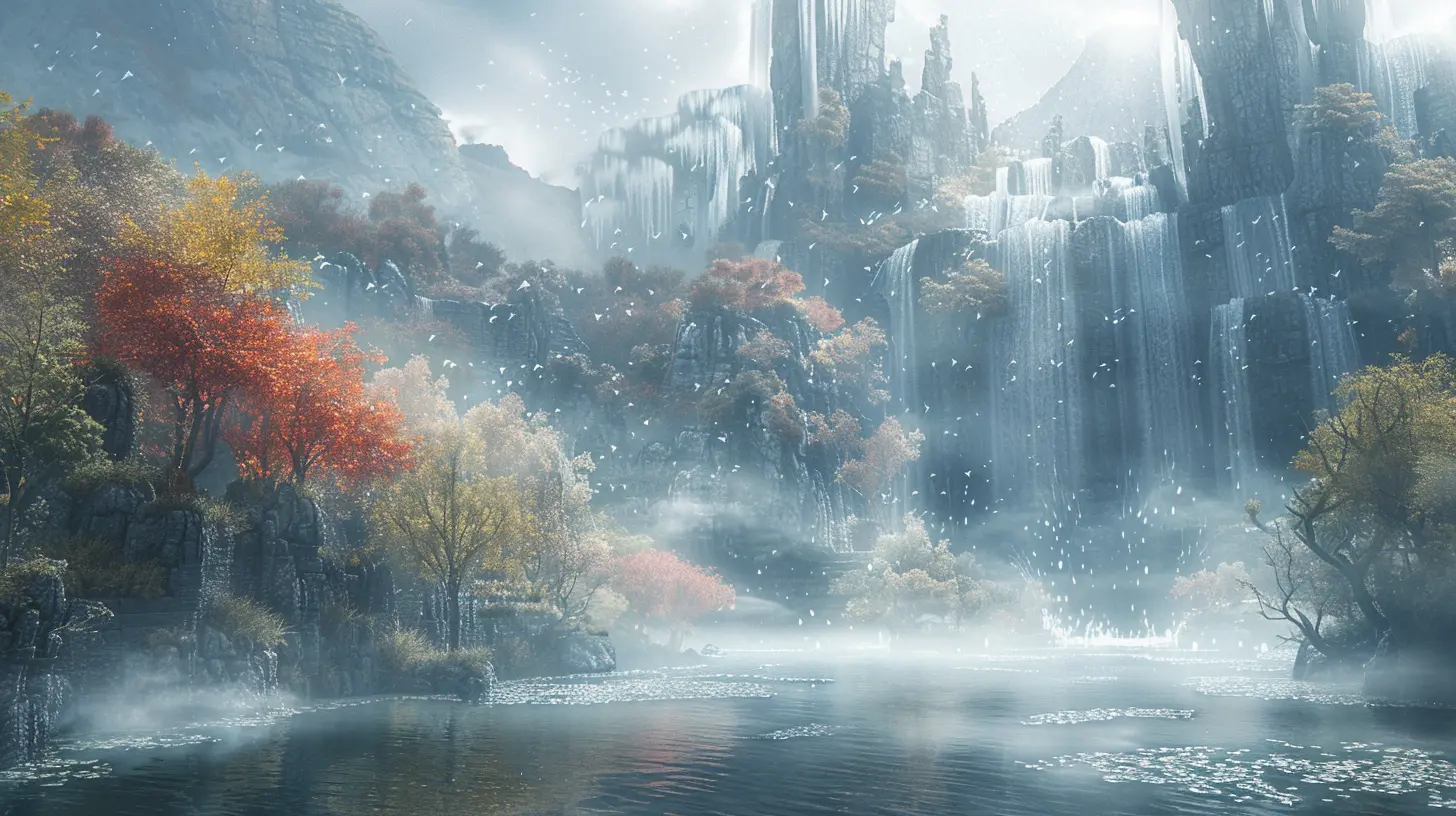
The Psychology Behind Visual Cues
Let’s get a bit geeky for a second. Our brains are hardwired to notice certain things: light, movement, symmetry, and patterns. Game developers use this to their advantage.Ever noticed how your eyes are drawn toward:
- Objects that move differently?
- A bright red button in a sea of gray?
- Pathways that align with the rule of thirds on the screen?
Yup, that’s not random. That’s psychology in play. Developers use our instincts to gently steer us—without making it feel forced.
Visual Cues in Open-World vs. Linear Games
Now, not all games use visual cues in the same way. Let’s compare the two major types: open-world and linear games.Open-World Games
You’ve got freedom. Tons of it. But that also brings the risk of getting completely lost. Visual cues help maintain just enough structure to keep players from wandering aimlessly.? Example: In Horizon Zero Dawn, tall machines in the distance act like visual anchors. You want to head there, and along the way, you’ll find all sorts of adventures.
Linear Games
These games guide you through a more structured experience. Visual cues in linear games tend to be more direct but should still feel natural.? Example: Uncharted games use ledges, vines, and colored surfaces to tell you exactly where to climb, but it feels cinematic, not forced.
Common Mistakes in Using Visual Cues
When visual cues go wrong, they really go wrong. Here are a few missteps developers sometimes make:- Too subtle: If it's too hard to notice, players might never even see it.
- Too obvious: Glowing objects that scream “INTERACT WITH ME” can ruin immersion.
- Inconsistency: If a red object is climbable in one area but not in another, that's confusing.
- Overuse: If everything sparkles, nothing feels special.
Finding the sweet spot is key. The best games balance clarity with subtlety, guiding without spoon-feeding.
Player Freedom vs. Visual Guidance
Here’s the eternal design debate: How do you provide visual cues without turning the game into a boring guided tour? It's a tightrope act.The goal is to suggest, not dictate. Picture it like giving someone a map with interesting landmarks but letting them choose their path. The fun lies in discovery.
Great games provide breadcrumbs, not highways. They reward observation and curiosity, rather than punishing players for going off-script.
How Indie Games Nail Visual Cues with Small Budgets
Think only big-budget titles can pull this off? Not at all. Some of the most clever visual cue designs come from indie games that have to work smarter, not louder.? Example: Inside (from Playdead) uses only black, white, and red tones to guide players through a haunting, wordless world. No HUD, yet nothing feels confusing.
Indie devs often get creative with lighting, color palettes, and audio-visual blending to make their games intuitive without bloating the UI.
Incorporating Audio With Visual Guidance
Okay, visual cues are great, but when paired with sound? That’s pure magic.- A creaking floorboard might draw your eyes to a suspicious spot.
- Wind howling from a tunnel entrance could hint that it’s explorable.
- A subtle chime might match a glimmer on an object.
This combo engages more senses, helping players make connections faster, and deepens immersion.
The Future of Visual Cues in Games
With advancements in VR, AR, and AI-based gameplay, visual cues are going to get even cooler. Imagine environmental cues that change based on your playstyle. Or NPCs giving eye contact to suggest hidden paths in a 3D space.Developers are leaning more into context-aware cues—designs that adapt in real-time. The future isn’t hand-holding—it’s intelligent nudging.
How You Can Spot (And Appreciate) Visual Cues as a Player
Want to become a more observant gamer? Here’s what you can do:- Slow down. Don’t rush through levels. Look around!
- Notice patterns. What do climbable objects look like? What always precedes a boss fight?
- Trust your instincts. If something feels “off,” it might be intentional.
- Replay favorite games. You’ll be surprised by the number of cues you missed the first time.
Understanding visual cues not only enhances gameplay—it deepens your respect for game design as a whole.
Final Thoughts
Using visual cues to guide gameplay and discovery is like laying breadcrumbs in an enchanted forest—you want players to follow the path, but also feel like they’re uncovering it on their own. It’s a beautiful balance between design and psychology, between clarity and mystery.Next time you’re immersed in your favorite game, take a second to appreciate all those subtle nudges shaping your journey. Because behind every flickering torch, oddly lit path, or mysteriously convenient ladder... there’s a designer winking at you from behind the curtain.
all images in this post were generated using AI tools
Category:
Game GraphicsAuthor:

Pascal Jennings