The Role of Visual Feedback in Player Interaction
28 December 2025
Ever pressed a button in a game and wondered if it did anything? Or maybe you pulled off an epic combo and the screen exploded with sparks, numbers, and color splashes that made you feel like a gaming god? That’s visual feedback in action — and it’s one of the unsung heroes of great game design.
In this article, we're going to take a deep dive into the juicy world of visual feedback and how it shapes everything you feel and do in video games. By the end of this, you’ll see how those little flashes, animations, and on-screen indicators do way more than just look cool — they actually guide, reward, and even teach you as you play.
What Exactly Is Visual Feedback in Games?
Let’s break it down super simple: Visual feedback is how a game visually responds to your actions. When you press a button and your character jumps? Visual feedback. When an enemy flashes red after you shoot them? Visual feedback. When the screen shakes after a massive explosion? Yep — you guessed it.It’s all about creating a connection between you and the digital world you’re interacting with. Without visual feedback, your actions would feel empty — like shouting into the void and getting nothing back.
Why Visual Feedback Is So Important
Imagine trying to play a game where nothing responds. You press the fire button. No flash. No recoil. No damage indicator. Did you even shoot?That’d be awful, right?
1. 🧠 It Tells Our Brains Something Happened
Our brains thrive on cause-and-effect. When we do something, we expect a response. Visual feedback taps into that natural expectation and gives us instant gratification. It’s the game’s way of saying, “Hey! Yup, I heard you!”2. 😎 It Feels Good
Let’s be honest — nobody wants a bland experience. Flashy lights, screen shakes, noticeable damage indicators — they make us feel powerful. And that’s addicting.3. 🎯 It Helps Us Learn
Visual feedback isn’t just eye candy. It’s a teaching tool. Think about platformers like Celeste — when you mess up a jump, the game immediately lets you know how and why. That kind of feedback helps players improve fast.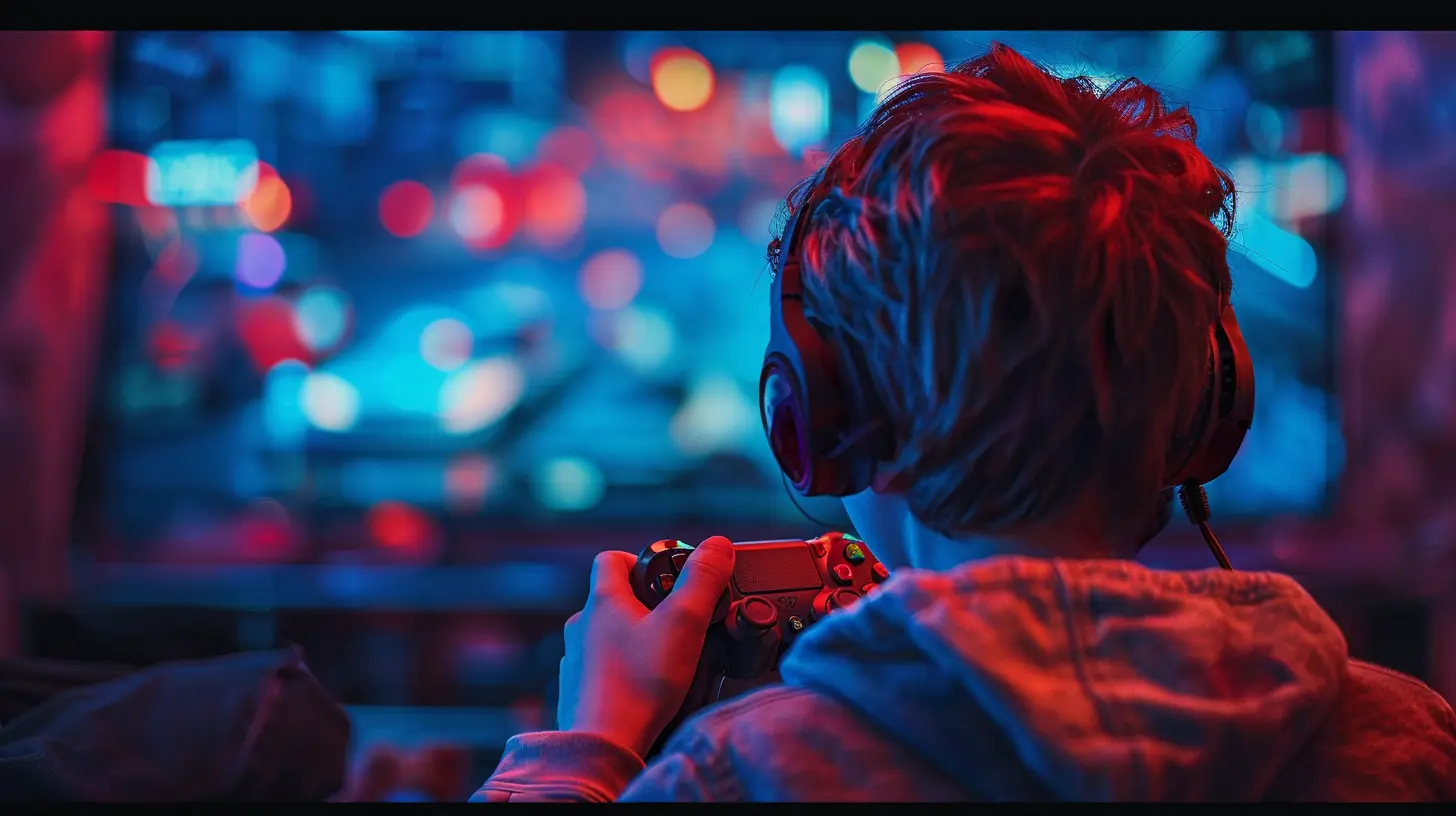
Types of Visual Feedback in Games
Okay, so visual feedback is important. But what are the different forms it takes? Let’s break it down.1. Animation Feedback
Animations are a BIG deal. They show how characters react, interact, and respond to the game world. For example:- Hit reactions: When enemies stumble or fall from an attack.
- Movement cues: Windup before a punch or wind resistance when running fast.
- Idle animations: Characters fidgeting when you’re not doing anything.
Animations bring the game world to life. They also communicate valuable info, like when an enemy is about to strike or when your own stamina is getting low.
2. Particle Effects
You know those sparks, smoke trails, and fireballs? Those are particle effects — little visual treats that add flavor and clarity to your actions. A charged attack might have lightning bolts crackle around your character, hinting at its power.These effects aren’t just aesthetic either; they help players differentiate between basic, special, and ultimate abilities at a glance.
3. UI Indicators and Overlays
Sometimes the feedback isn’t part of the world, but the interface. Think:- Health bars flashing red.
- Damage numbers popping on enemies.
- Objective markers glowing when you’re nearby.
These UI cues keep you informed without pulling you out of the action — super helpful when things get chaotic.
4. Screen Effects
Ever taken critical damage and watched the screen fade to grayscale or a red border pulse around the edges?That’s screen feedback, and it’s deeply immersive. It tells you you’re in trouble without breaking immersion. Other examples include:
- Slow-motion during a perfect dodge.
- Camera shake during an earthquake.
- Blurring during a sprint or speed boost.
These effects cause the entire screen to behave differently, making you feel more connected to the action.
5. Lighting and Color Changes
Color is a huge communicator. Games use lighting shifts and color cues to convey mood, urgency, or danger.- Entering a boss room? The colors go dark and ominous.
- Low health? The screen tints red and blurs slightly.
- Full energy? Your character glows brighter.
Color and lighting give context without needing words.
Real Game Examples That Nail Visual Feedback
Let’s geek out for a moment and look at how some top-tier games absolutely crush it with their visual feedback.🎮 Hollow Knight
This indie darling is a masterclass in understated feedback. Enemy death animations, the screen ripple when you take damage, the flicker of your sword when you slash — it’s all there. It’s not over-the-top, but it feels so good.🎮 Call of Duty Series
Shoot a weapon and you’ll feel it — thanks to recoil animations, muzzle flashes, hitmarkers, and blood spray. That’s a lot of visual feedback packed into milliseconds.🎮 The Legend of Zelda: Breath of the Wild
Climbing, cooking, attacking — everything has a visual response. Even when Link is cold or hot, the screen shows environmental effects like frost or heat shimmer. These are subtle, but they subconsciously guide the player.🎮 Fortnite
Love it or hate it, Fortnite knows how to talk to players visually. Whether it’s the hit indicator confirming you landed a shot, or the build structures glowing during placement — it keeps communication crisp.How Visual Feedback Affects Player Behavior
Here’s the wild thing — visual cues don’t just react to players, they actually shape what players do.1. Guides Player Choices
Think about it: if a glowing door is pulsing gently while the rest of the room is dim, where are you gonna go? That’s planned. Developers use contrast and animation to guide you naturally.2. Reinforces Rewards and Punishment
Cracked a loot chest open and got a shower of coins and gems? That’s the game saying, “Good job, here’s your dopamine hit!” On the flip side, stumble into a trap and see your screen flash red and shake? That’s visual punishment. And it works.3. Builds Muscle Memory
Quick-time events, rhythm games, or timing-based mechanics all rely heavily on visual feedback. Over time, we train ourselves to react to certain animations or cues — think of it as visual training wheels.Visual Feedback vs. Other Types of Feedback
Visual feedback isn’t alone in this. Let’s do a quick comparison.| Type of Feedback | Description | Example |
|------------------|-------------|---------|
| Visual | What you see on screen | Flashing lights, animations |
| Audio | What you hear | Gunfire, footsteps, enemy growls |
| Haptic | What you feel | Controller vibrations, phone buzzes |
Each one plays a role, but visual feedback is often the primary way we get info in games — especially on silent or non-vibrating setups like PC gaming with mouse and keyboard.
The Risks of Overloading Visual Feedback
Now, let’s pump the brakes for a second. More isn’t always better.⚠️ Too Much Feedback Can Overwhelm
If every action creates a fireworks show, it becomes noise. Players can get lost, confused, or even have their eyes exhausted. Especially in fast-paced shooters or MOBAs where clarity matters, minimalism often wins.⚠️ Poor Feedback = Frustration
Bad or unclear visual cues can wreck an experience. If players can’t tell what's happening, they’ll feel out of control. And that’s when rage-quits happen.The Future of Visual Feedback in Games
We’ve come a long way from pixel blinks and flashing red boxes.💡 Dynamic Feedback Systems
Games are starting to adapt feedback in real-time. Think reactive environments, procedurally generated cues, and dynamic difficulty adjustments based on player performance — all visually communicated.🕶️ VR & AR Visual Feedback
In VR, visual feedback becomes even more essential. There’s no traditional HUD, so the world itself must show you everything you need. From hand gestures to depth perception cues, VR design is pushing visual feedback to the next level.Final Thoughts: It's the Silent MVP
Visual feedback might not get flashy headlines, but it’s silently doing the heavy lifting behind every great game. It makes your actions meaningful. It teaches you. It rewards you. It even protects you.So next time you play and see a subtle glow, an enemy flinch, or your screen shake after a critical hit — smile. That’s game design magic at work.
all images in this post were generated using AI tools
Category:
Game GraphicsAuthor:

Pascal Jennings
Discussion
rate this article
2 comments
Caroline Mendoza
Visual feedback: the silent puppeteer guiding players through an unseen tapestry of interaction.
January 9, 2026 at 3:44 AM
Pascal Jennings
Thank you! I'm glad you appreciated the metaphor. Visual feedback truly does weave an intricate connection between players and the game world, enhancing their overall experience.
Brooke Howard
Visual cues shape player immersion.
December 29, 2025 at 4:18 AM
Pascal Jennings
Absolutely! Visual cues are essential for enhancing player immersion by providing immediate feedback that enriches the gaming experience and guides player actions effectively.