The Role of Graphic Design in Game Accessibility
18 April 2026
Let’s be real—games are more than just play. They’re stories we live in, worlds we explore, and challenges we conquer. But here’s the catch: not everyone explores those worlds the same way. And that’s exactly why graphic design plays a massive role in game accessibility.
It’s more than just pretty visuals or cool HUDs (heads-up displays). It’s the bridge between a player and the game. It’s how someone with color blindness differentiates between enemies and allies. It’s how a player with low vision can still read the dialogue, take in the plot, or just enjoy the scenery.
Yeah, graphic design in games is powerful.
Let’s dive deep into how design unlocks the door for everyone to play.
Why Game Accessibility Matters—More Than Ever
The gaming world has exploded into a massive universe of players from every walk of life. From hardcore gamers to casual mobile players, the community is vast—and beautifully diverse. But with that diversity comes different needs.Not everyone sees, hears, or reacts the same. Some players experience mobility issues. Others navigate gaming with neurodivergence. And guess what? They all deserve a chance to play and enjoy games their way.
That’s where graphic design steps onto the stage. It's not just a cherry on top—it’s the connective tissue that can include or exclude. When it’s done right, it's like a well-written song everyone can dance to—even if they’ve got two left feet.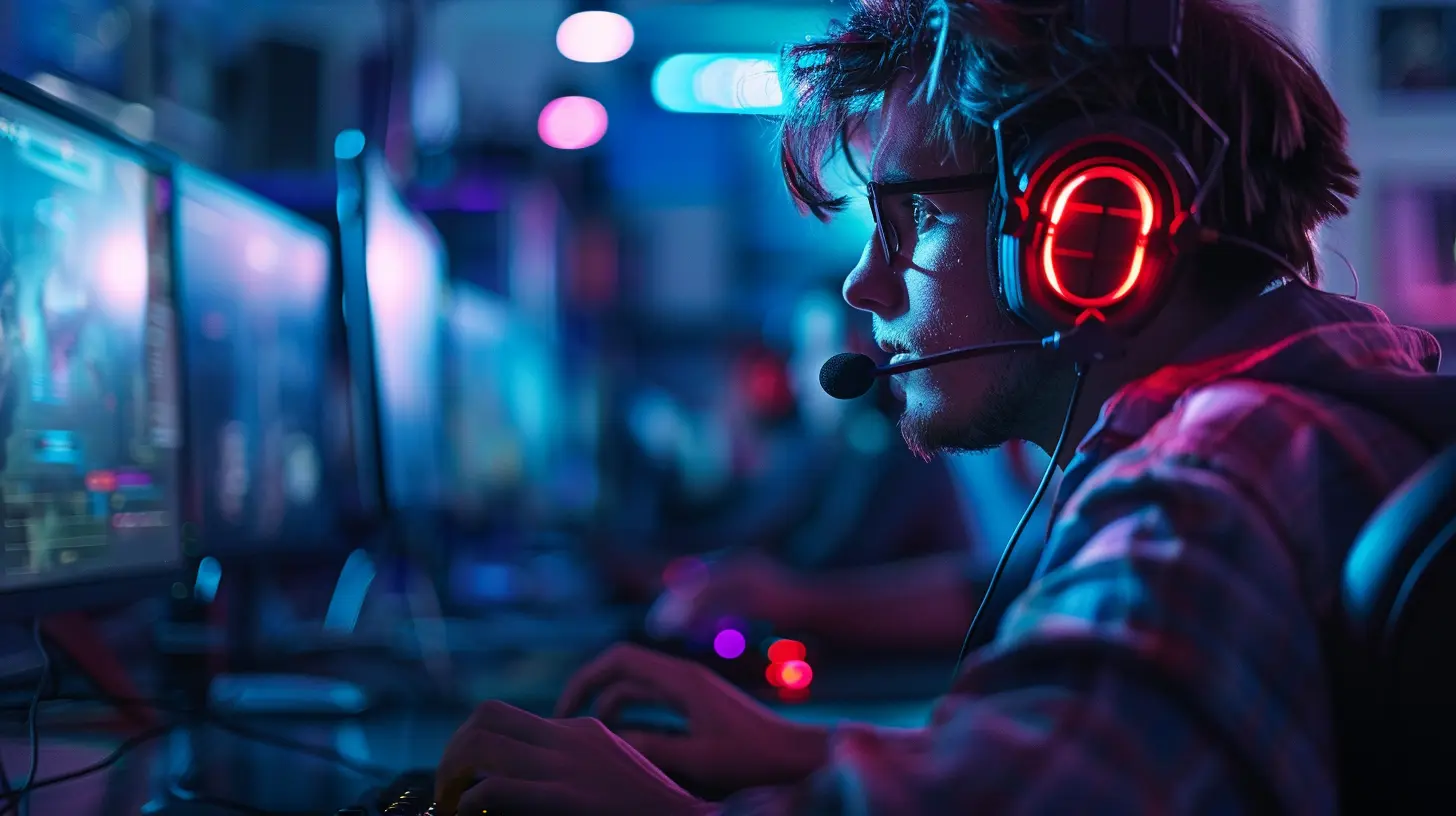
The Visual Language of Games
Imagine playing a game where you can’t read the instructions. Or maybe, the enemies don’t stand out from the background. That would be frustrating, right?Graphic design in games speaks a visual language. It tells you where to go, what to do, what's dangerous, and what's friendly—all without a word. This design language needs to be flexible enough to communicate across a variety of abilities.
Think of it as subtitles for your eyes. When design considers accessibility, it creates a visual map that everyone can read.
Color Contrast: The Unsung Hero
So, let’s talk about color blindness for a second. Did you know that around 300 million people worldwide are color blind? That’s a lot of players at risk of missing out on crucial visual cues—especially when red and green are used to show enemies and allies.Good graphic design accounts for that. By using high contrast, texture, and even icons, games can avoid relying on color alone. Think of it like giving the visuals a backup plan.
Some games go the extra mile and include colorblind modes. Others design from the ground up with contrast in mind. Either way, it’s all thanks to thoughtful design.
Font Choices: More Than Just a Style
Let’s be honest—we’ve all squinted at illegible in-game text at some point. Stylized fonts might look cool, but they can also be a nightmare for players with dyslexia, low vision, or cognitive challenges.Accessible fonts should be:
- Simple and sans-serif
- Large enough to read from across the room
- Spaced out to avoid letter-clumping
Designers can also use dynamic scaling. That means players can adjust text size—because “one size fits all” rarely fits anyone.
It’s like choosing between whispering and speaking clearly. Good typography speaks confidently to everyone.
Iconography and Symbols: Universal Tools
Words can be twisted, translated, and misread, but symbols? They speak a universal language. A heart = health. A lightning bolt = energy. A skull = danger.Designers use icons to cut past language barriers and reading difficulties. But those icons need to be clear, distinct, and consistent. No guesswork.
In the world of game accessibility, icons are visual anchors. They let players react fast, even if they don’t read the text or hear the audio cue. Like road signs in a rush hour—they guide without saying a word.
UI Design: The Gateway to the Game
The User Interface (UI) is like the front door of a house. If the door is locked, tiny, or too high to reach, you're not getting inside. Same goes for poorly designed UIs.Accessible UI should:
- Allow menu navigation with various inputs (keyboard, controller, voice)
- Offer customization (color, size, layout)
- Be clear, uncluttered, and logical
The best UIs adapt to the player—not the other way around. And when designers get this right? The game world opens up wide.
Motion Design and Animations: Less Can Be More
We all love a good cutscene. But what if too much visual motion makes a player dizzy or nauseous? Yeah, that’s a real thing. Conditions like vestibular disorders or autism can make flashy, rapid animations hard to handle.That’s why many accessible games offer reduced motion or the option to turn off screen shake. These settings don’t make the game dull—they make it survivable.
Graphic design should balance flair with fairness. Cause what’s the point of great visuals if they turn your stomach?
Customization: The Backbone of Accessibility Design
Here’s some truth: no two players are the same. So why force them into the same visual experience?Customization is king. Letting players tweak color schemes, HUD layout, font size, and even reticle design gives them power. It lets them tailor the game to how they see and interact with the world.
Think of it like letting people design their own cockpit. Everyone’s flying the same game—but in a ship that fits them just right.
Real Game Examples of Graphic Design Done Right
Alright, let’s name-drop a little. These games didn’t just talk the talk—they walked the walk in accessible graphic design:?️ The Last of Us Part II
Naughty Dog raised the bar. This game includes features like high contrast mode, HUD scaling, icon-based navigation, and a whole buffet of visual settings. Plus, it lets you preview changes—so nothing’s left to chance.?♂️ Celeste
This indie gem is a shining example of simplicity and clarity. Visuals are clean, readable, and accessible even in the most intense moments. Its assist mode gives players power over speed, difficulty, and screen effects.? Halo Infinite
Color customization for enemies, allies, and UI elements? Check. Scalable HUD? Check. Designed with color blindness in mind? Double-check.These games prove that accessibility in design isn’t just possible—it’s powerful.
Challenges Graphic Designers Face in Accessibility
We won't sugarcoat it—designing accessible games isn’t always easy. Designers need to juggle aesthetics, brand style, functionality, and performance. Sometimes, visual flair clashes with readability. Other times, dev tools limit flexibility.Budget and time constraints can also put accessibility on the back burner. But the truth? Making games accessible from day one saves time later—and creates better experiences for everyone.
It’s like baking a cake. Add the ingredients early, and it’s delicious. Try to toss in flour at the end? Good luck.
The Future of Graphic Design in Accessible Gaming
The future? Oh, it’s bright—and not just visually.Tech is evolving. AI-driven UI, adaptive interfaces, and VR/AR enhancements are on the horizon. Designers will have more tools to create truly inclusive spaces.
Communities are more vocal than ever, too. Players advocate for accessibility. Devs listen. Collaborations happen. And we get games that WORK—for all.
Imagine a world where ALL games come with built-in accessibility by design, not as an afterthought. That’s where graphic design is headed. That’s the dream.
Final Thoughts: Design is Inclusion
Graphic design isn't just art. In the gaming world, it's empathy in pixels. It’s how we include, welcome, and empower players of every kind.So the next time you boot up a game and everything just works—thank a designer. They’re the silent storytellers behind the screen. They don’t just paint the world. They open the door to it—for everyone.
Let’s keep building games where nobody gets left behind.
Let’s design for all.
all images in this post were generated using AI tools
Category:
Game GraphicsAuthor:

Pascal Jennings
Discussion
rate this article
2 comments
Caroline Reynolds
Great insights! Graphic design is crucial for inclusive gaming experiences.
April 27, 2026 at 4:19 AM
Pascal Jennings
Thank you! I completely agree—effective graphic design is key to creating inclusive gaming experiences for everyone.
Zara Jimenez
Graphic design is crucial for enhancing game accessibility and inclusivity.
April 20, 2026 at 4:18 AM
Pascal Jennings
Absolutely, graphic design plays a key role in making games accessible and welcoming for everyone. It helps create intuitive interfaces and ensures a better gaming experience for all players.