How Custom Cooling Loops Take Your Gaming PC to the Next Level
19 February 2026
Gaming PCs are like high-performance sports cars—they’re sleek, powerful, and built to handle intense workloads. But let’s face it, with all that horsepower crammed into a case, things can get heated. Literally. And while standard cooling systems like air coolers and AIOs (All-In-One liquid coolers) do an okay job, they’re like using a simple fan to cool down after running a marathon. Not bad, but not great.
Enter custom cooling loops—the gold standard for keeping your gaming rig chill under pressure. If you've ever wanted to unlock the full potential of your hardware while having your rig look like a piece of art, custom cooling loops are the game-changing upgrade you've been looking for. Let’s dive into what they are, how they work, and why they’re worth every penny for a serious gamer.
What Is a Custom Cooling Loop?
First things first, let’s break it down. A custom cooling loop is a tailor-made liquid cooling system designed specifically for your PC build. It’s like having a bespoke suit but for your computer. Unlike off-the-shelf solutions like air coolers or AIOs, custom loops allow you to cool multiple components—like your processor (CPU), graphics card (GPU), and even your motherboard—using a single interconnected system.The loop includes several pieces of hardware: water blocks, tubing, pumps, reservoirs, and radiators. Each component plays a crucial role in circulating coolant (a special liquid designed to absorb and transfer heat) throughout your PC, effectively keeping temperatures low and performance high.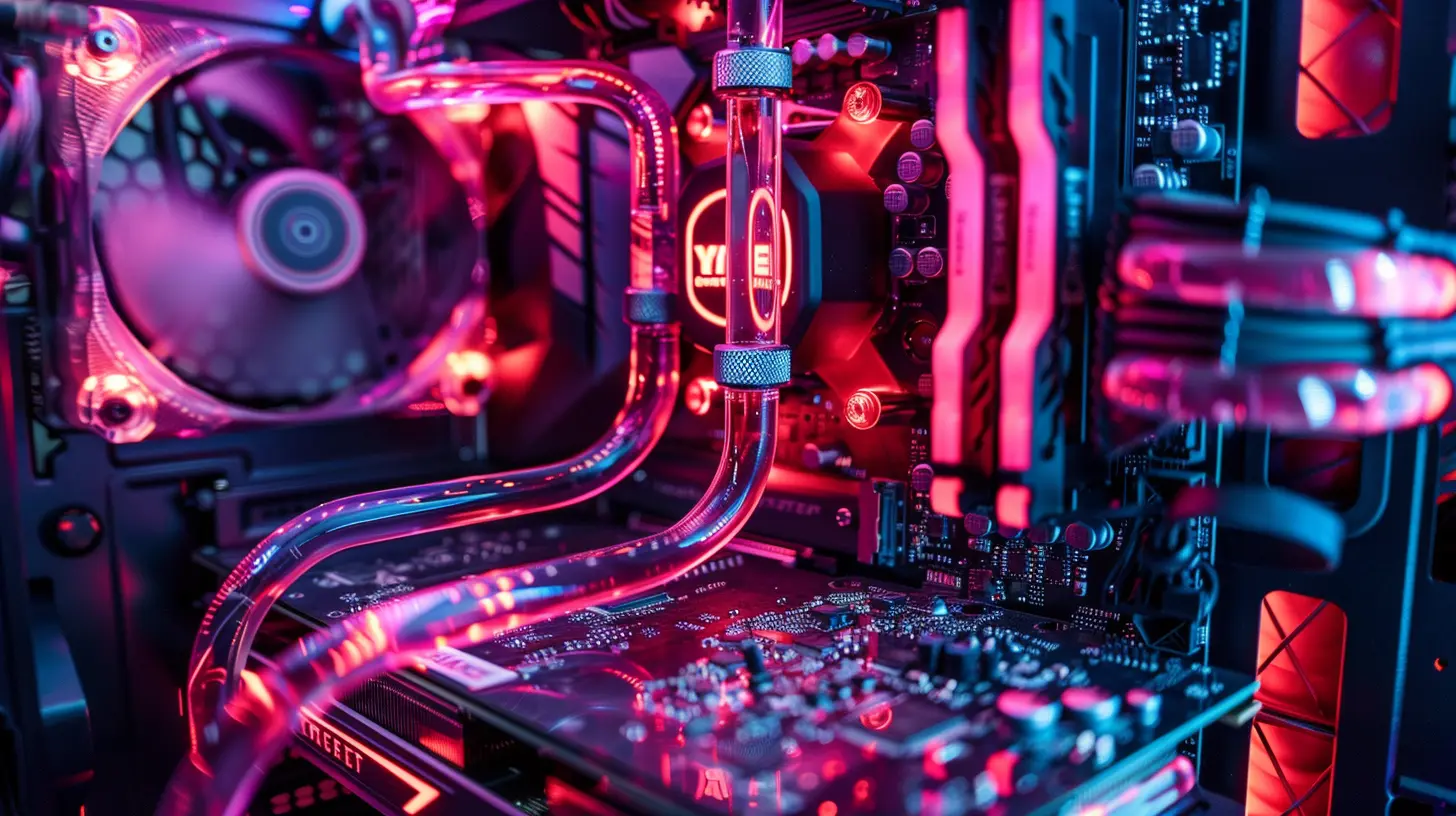
Why Cooling Matters in Gaming PCs
You might wonder, "Why should I bother? My PC is already running fine on stock coolers." Well, here’s the deal: heat is the silent killer of performance. When your CPU or GPU overheats, it triggers a process called thermal throttling, which automatically reduces performance to keep temperatures in check. Imagine trying to finish a race with your shoelaces tied together—it’s not ideal, right?With a custom cooling loop, heat is no longer a bottleneck. You get:
- Better performance: No thermal throttling means your components can run at their peak for longer.
- Overclocking potential: Custom loops allow you to safely push your hardware beyond its stock limits for extra performance.
- Longer hardware lifespan: Keeping your components cool reduces wear and tear, extending their longevity.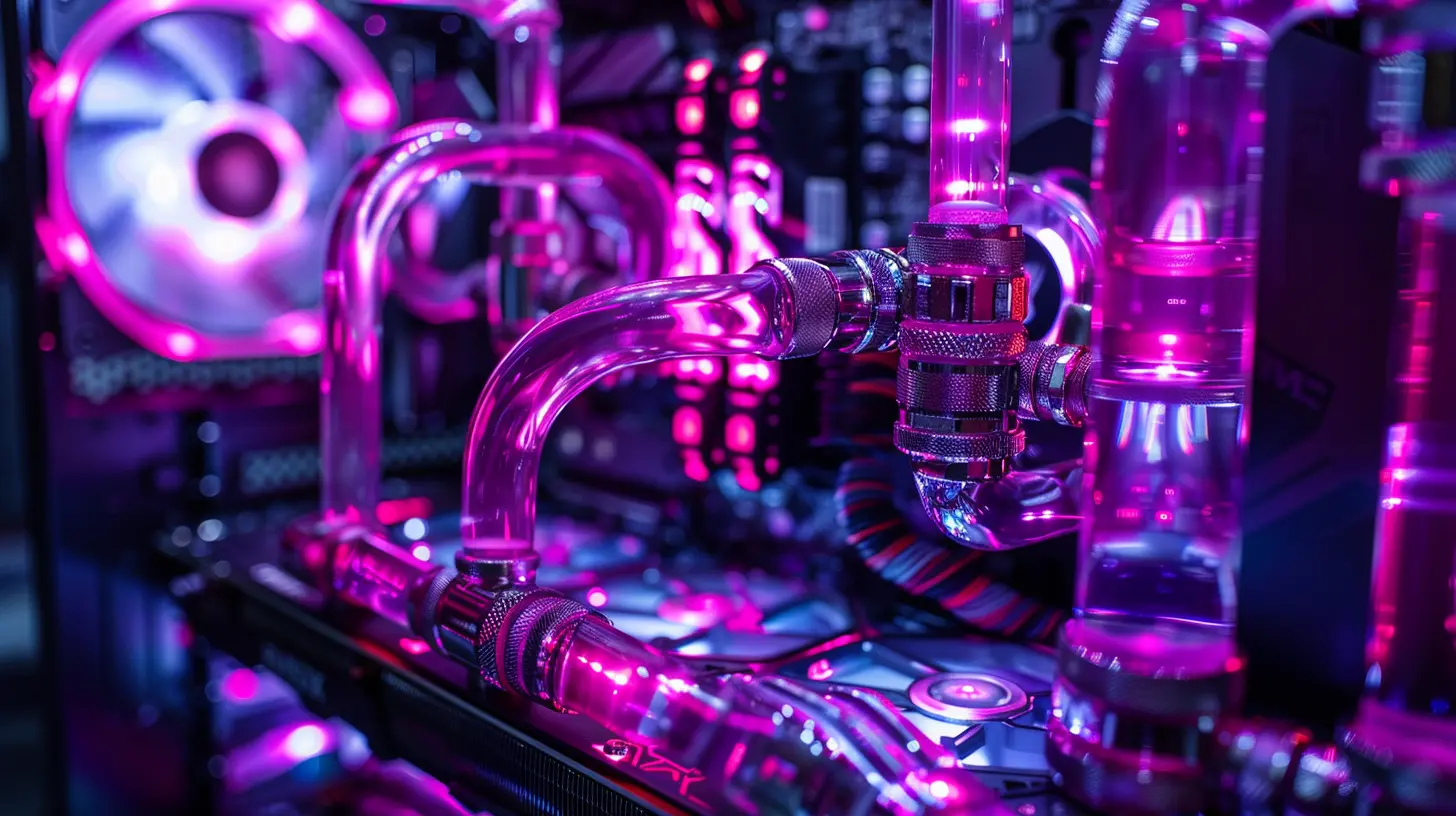
Components of a Custom Cooling Loop
Building a custom loop might feel intimidating at first, but trust me, once you understand the pieces involved, it’s not rocket science. Here's a breakdown of the main components:1. Water Blocks
Think of water blocks as the heart of your cooling system. These are the components directly mounted to your CPU, GPU, or other heat-generating parts. Water blocks absorb the heat and transfer it to the coolant. Most high-end water blocks are made from materials like copper or nickel for maximum thermal conductivity.2. Pump
The pump is like the engine of your cooling system. It circulates the coolant throughout the loop, ensuring that heat is carried away from your components. A weak pump can lead to poor cooling, so choosing a reliable pump is critical.3. Reservoir
The reservoir holds the extra coolant and makes it easier to fill or drain your system. Plus, let’s not ignore the fact that reservoirs often add some serious eye candy to your setup—especially if you go for a fancy cylindrical design with RGB lighting.4. Radiator
Radiators are where the magic happens. As the coolant travels through the radiator, heat is dissipated into the air via fans. The size of the radiator (120mm, 240mm, 360mm, etc.) determines how much heat it can dissipate.5. Tubing
Tubing connects all the pieces together. Tubes can be flexible (made from rubber-like materials) or rigid (made from acrylic or PETG). Rigid tubing, while a bit trickier to work with, provides a clean, professional look that makes your build stand out.6. Coolant
The coolant is the lifeblood of your loop. While plain distilled water works, most enthusiasts opt for specially formulated coolants that come in vibrant colors or even UV-reactive options.
Benefits of Custom Cooling Loops
Now that we know what a custom cooling loop is, let’s talk about the real reason you’re here: Why should you bother? What makes this upgrade so transformative? Here are the top benefits:1. Unmatched Performance
Have you ever felt your GPU fan screaming at max RPM during an intense gaming session? With a custom loop, fans run slower (or sometimes not at all), because the water does the heavy lifting. This means your system stays cool even when pushing it to its limits.2. Silent Operation
Speaking of fans, one of the best things about custom liquid cooling is how quiet it is. Radiators require fewer, slower-spinning fans than traditional air coolers, making your rig whisper-quiet. No more sounding like a jet engine taking off every time you boot up "Cyberpunk 2077."3. Aesthetic Awesomeness
Let’s not beat around the bush: custom cooling loops look amazing. With clear tubing, vibrant coolant, and RGB lighting, your gaming PC becomes a piece of art. It’s like turning your hardware into a museum exhibit—except it’s running "Elden Ring" at 144FPS.4. Overclocking Freedom
If you’re into overclocking, a custom cooling loop is a dream come true. It keeps temperatures so low that you can crank up CPU and GPU clock speeds without worrying about overheating. More FPS? Yes, please.Challenges of Custom Cooling Loops
Of course, it’s not all rainbows and unicorns. There are some drawbacks you should know before diving in:1. Cost
Let’s be real—custom loops aren’t cheap. Between water blocks, radiators, pumps, and other accessories, you’ll likely spend several hundred dollars. But for many enthusiasts, the performance gains and aesthetics are well worth the investment.2. Complexity
Installing a custom cooling loop isn’t as straightforward as slapping on an air cooler. It requires meticulous planning, from measuring tubing lengths to ensuring proper flow direction. But hey, if you’re up for the challenge, the end result is incredibly rewarding.3. Maintenance
Custom loops require routine maintenance, like checking for leaks, flushing the system, and replacing the coolant. If you’re someone who prefers a "set it and forget it" approach, this might be a deal-breaker.Should You Build One?
So, is a custom cooling loop for everyone? Not necessarily. If you’re a casual gamer or just use your PC for light tasks, a high-quality air cooler or AIO will get the job done. But if you’re a hardcore gamer, streamer, or overclocking enthusiast who wants the best performance and the coolest-looking rig on the block, a custom cooling loop is absolutely worth considering.Think of it like upgrading to a sports car. Not everyone needs one, but for those who appreciate premium performance, it’s an experience like no other.
Tips for Starting Your Custom Loop Journey
Here are a few tips to help make your first custom loop build a smooth experience:- Plan everything. Measure your case dimensions and account for radiator space, tubing length, and compatibility with your components.
- Start with soft tubing. It’s easier to work with and perfect for beginners. Once you gain confidence, you can move to rigid tubing.
- Don’t skimp on tools. A proper set of cutters, leak testers, and other accessories will save you a headache down the road.
- Watch tutorials. There are tons of great resources online to walk you through the process step-by-step.
Final Thoughts
Custom cooling loops are more than just a way to keep your PC cool—they’re an expression of creativity, a badge of geeky pride, and a gateway to peak performance. Sure, they require a bit more effort and cash, but once you see your temps drop and your FPS soar, there’s no going back.So, are you ready to take your gaming PC to the next level?
all images in this post were generated using AI tools
Category:
Hardware ReviewsAuthor:

Pascal Jennings
Discussion
rate this article
2 comments
Zephyrian Cross
Great article! Custom cooling loops are a game-changer for PC builders. They not only enhance performance but also add a unique flair to your setup. Excited to dive into my next build!
February 28, 2026 at 3:32 PM
Pascal Jennings
Thank you! I'm glad you found the article helpful. Happy building and enjoy your next setup!
Uri Weber
Custom cooling loops not only enhance performance but also allow for personalized aesthetics, transforming your gaming PC into a unique reflection of your style and passion.
February 26, 2026 at 4:40 PM
Pascal Jennings
Absolutely! Custom cooling loops not only boost performance but also let gamers showcase their personality, making each build a true masterpiece.