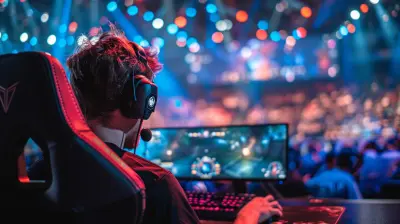
Are Curved Monitors Actually Better for Gaming?
1 January 2026
If you've dipped your toes into the world of gaming setups lately, you've probably seen curved monitors popping up in all the sleekest, envy-inducing battlestations. They look fancy, right? Maybe even futuristic. But once you get past all that eye candy, the real question lingers: Are curved monitors actually better for gaming—or is it all just hype wrapped in a sexy curve?
Let’s break it down, gamer to gamer. We’re going to talk benefits, drawbacks, the science behind the curve, and whether a curved monitor is truly worth your hard-earned cash. So grab a drink, settle into your gaming chair, and let’s talk screens.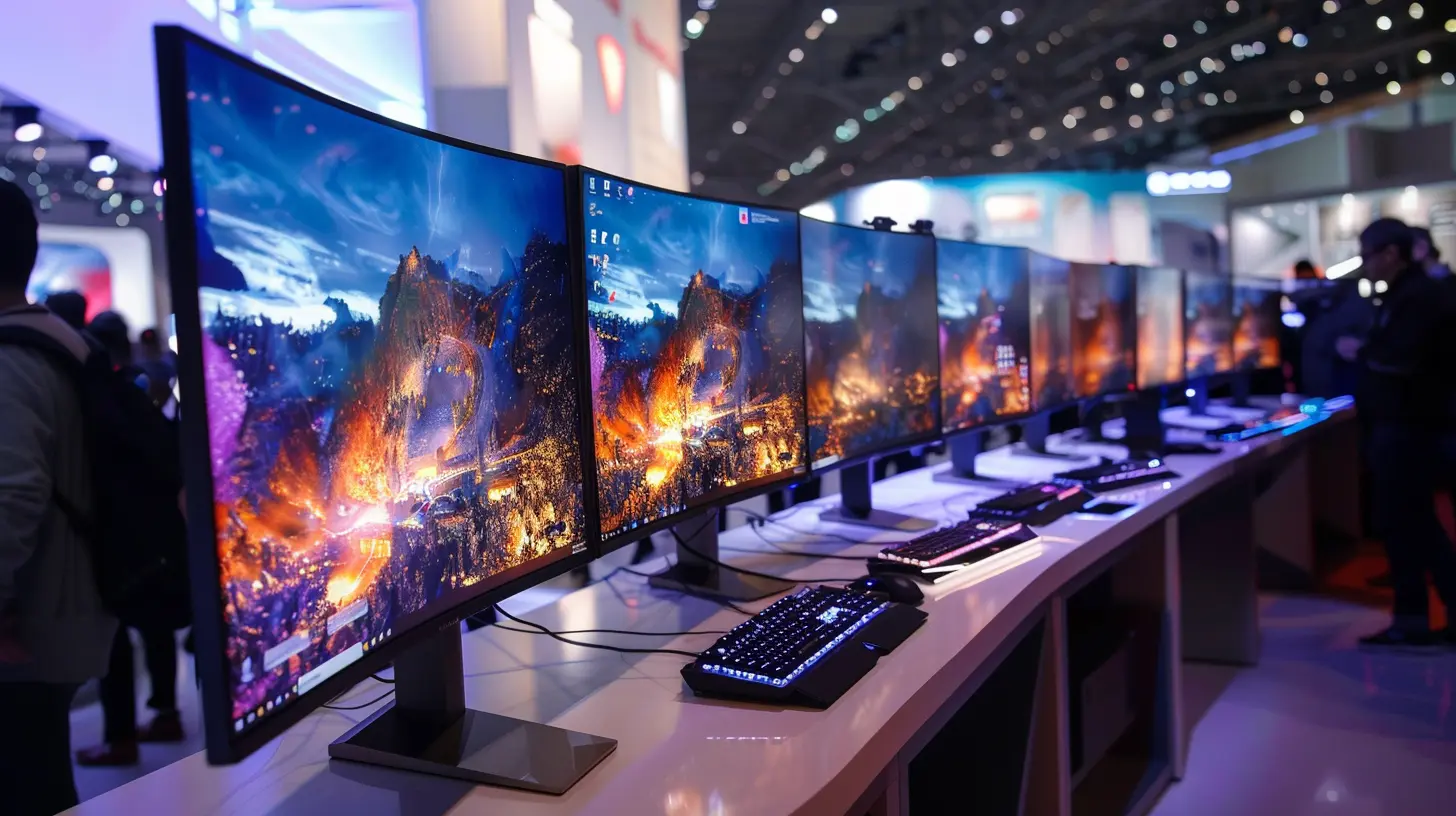
What’s the Deal with Curved Monitors?
Before diving into whether they’re better, let’s get a quick understanding of what curved monitors are all about.A curved monitor, just like it sounds, has a screen that's slightly (or dramatically) curved toward the viewer. The idea is to mimic the natural curvature of the human eye. Instead of staring at a completely flat display, your eyes follow the gentle arc of the screen, supposedly drawing you deeper into the content.
You might see terms like "1800R" or "1000R" thrown around—that's the curvature radius. The lower the number, the more aggressive the curve. For example, 1000R is closer to the eye’s natural curve than 1800R.
But what does this mean in terms of actual gameplay?
The Gaming Experience: Flat vs Curved
1. Immersion Level: Through the Roof or Just a Gimmick?
One of the biggest arguments in favor of curved monitors is immersion. Picture this: you’re creeping through the ruins in a survival horror game. Your heart’s pounding. Now imagine your peripheral vision being gently wrapped with the game’s environment—it feels like you’re inside the world, not just peering at it.That’s the magic of a curved monitor. It wraps around your field of vision, making everything feel more real, especially in wide-field games like:
- First-person shooters (FPS)
- Racing sims
- Open-world RPGs
- Flying or space simulators
Is it a gimmick? Not entirely. The sense of immersion is legit—especially on ultrawide curved monitors where you get a panoramic display. But—and here's the honest truth—you won’t notice a huge difference on smaller screens (like 24-inch monitors) with subtle curves.
2. Peripheral Vision Gets a Boost
Your peripheral vision plays a bigger role in gaming than you might think. In fast-paced FPS games or racing sims, your brain is constantly scanning beyond the center of the screen. Curved monitors nudge more screen real estate into that periphery, giving you a better “situational awareness” of what’s happening on the edges.So yeah, if you’re trying to shave off milliseconds in a competitive environment, a curved monitor might give you that slight edge. Think of it as turning your side mirrors into wide-angle lenses—they’re still side mirrors, but now you see more.
Technical Advantages: It’s Not Just About Looks
3. Reduced Eye Strain
You might spend hours staring at your screen during long gaming sessions (don’t worry, no judgment here). Flat monitors force your eyes to adjust constantly because the edges are physically farther from the center—your eyes are doing mini workouts just to keep up.Curved monitors bring everything a bit closer and more consistent. That curvature reduces the refocusing your eyes need to do, which in turn can lead to less strain. It’s a subtle benefit, but if you’re gaming for long hours, your eyes will thank you.
It’s kind of like sitting in a comfy chair versus a wooden bench. Both do the job, but one treats you better over time.
4. Distortion and Glare, Be Gone (Almost)
Ever stretched a video across an ultrawide flat monitor and noticed some distortion at the corners? The curvature of a curved monitor helps minimize that. Since it arcs inward, content stays more consistent across the screen—so straight lines stay straight, and images stay true.Glare is another hidden villain in the monitor world. Curved monitors do a decent job of reducing reflections, especially from ceiling lights or windows. But this depends heavily on your room setup.
Let’s be real—if your gaming setup is under a chandelier or by a sunny window, no monitor's going to save you. But generally speaking, the curve helps deflect those annoying glares better than flat panels.
The Downsides: Because Nothing Is Ever Perfect
Alright, let’s hit the brakes here. It's not all sunshine and killstreaks. Curved monitors come with their own set of quirks.5. Not Ideal for Competitive eSports
If you’re a hardcore eSports player or a professional streamer, flat monitors might still be the way to go. Why? Because:- Some game UIs (especially older titles) don't play well with curved or ultrawide setups.
- Input lag, while rare, can be slightly worse on some curved panels.
- Some curved monitors, especially VA panels, suffer from ghosting or motion blur.
In tight, fast-twitch competitive games like CS:GO, Valorant, or Apex Legends, even a small visual hiccup can cost you the game. Many pros stick to flat 240Hz IPS panels for this reason.
6. Price Tag: Ouch
Here’s the kicker—curved monitors are generally pricier than their flat counterparts. You’re not just paying for the curve; you're often getting higher resolution or ultrawide formats bundled in. So while the feature list is richer, your wallet’s gonna feel it.And don’t forget: curved monitors don’t always play nice with multi-monitor setups. Trying to line up two or three curves in a seamless flow can be a nightmare. So if you're planning a full command center, factor in the compatibility headaches.
Curved Monitors by Game Genre: Who Wins?
Let's break it down by genre for those of you wondering if your personal library makes a curved monitor worth it.| Game Genre | Curved Monitor Recommendation |
|--------------------|-------------------------------|
| FPS & Battle Royale | ✅ Good, but not essential |
| RPG & Adventure | ✅✅ Great for immersion |
| Racing & Simulators | ✅✅✅ Absolutely amazing |
| MOBA & RTS | ❌ Flat preferred |
| Platformers | ❌ Flat preferred |
| MMOs & Sandbox | ✅ Good, but optional |
So, if your gaming life revolves around single-player epics, open worlds, or racing titles, a curved monitor could be a total game-changer. But if you're grinding through League of Legends or diving into 2D indie games, you might be just fine staying flat.
So… Are Curved Monitors Actually Better for Gaming?
Let’s face it—it depends.If you're playing cinematic, immersive games and want your setup to look and feel like you're diving into another dimension, then YES, curved monitors absolutely elevate the experience.
But if you’re a precision-based gamer focused on speed, accuracy, and responsiveness, you might not gain much—aside from a little eye relief and a cooler-looking setup.
Here’s the kicker: curved monitors don’t make you a better gamer. They don't auto-headshot your enemies or teach you how to drift around corners in Forza. But they can enhance the experience, especially if immersion and comfort are your priorities.
Final Verdict: To Curve or Not to Curve?
Let’s wrap it up with a quick gut-check:- Want more immersion and comfort for long sessions? Go curved.
- On a tight budget? Stick to flat and invest in refresh rate or resolution instead.
- Playing mostly competitive multiplayer games? Flat might still be your best bet.
- Love ultrawides and simulators? The curve is almost mandatory.
So, are curved monitors actually better for gaming? For the right gamer, absolutely. But like any gear upgrade, it all depends on what you value most in your gaming experience.
At the end of the day, curved monitors are like surround sound for your eyes. Once you’ve felt that extra layer of depth, especially in the right games, it’s hard to go back.
all images in this post were generated using AI tools
Category:
Hardware ReviewsAuthor:

Pascal Jennings
Discussion
rate this article
2 comments
Zachary Murphy
Curved monitors can enhance immersion and reduce eye strain by providing a wider field of view and minimizing distortion at the edges. However, their effectiveness largely depends on personal preference and gaming style. Competitive gamers might prefer flat screens for precision, while casual players may enjoy the enveloping experience curves provide.
January 15, 2026 at 5:44 AM
Pascal Jennings
Thank you for your insightful comment! You're absolutely right—curved monitors can enhance immersion and comfort, but personal preferences and gaming styles play a crucial role in determining their effectiveness for each individual.
Zina Heath
Curved monitors elevate gaming to new heights! They immerse you deeper into the action, enhancing your experience. Embrace the curve for unparalleled gameplay!
January 7, 2026 at 4:18 AM
Pascal Jennings
I appreciate your enthusiasm! Curved monitors can indeed enhance immersion, but individual preferences and gaming styles vary. It's worth trying one to see if it suits you!